Get your files off one device and onto another.
Move photos, large videos, folders and documents without hunting for a cable, filling cloud storage or fighting email attachment limits.
No USB cable No SEYFR account Photos, videos and folders
Mac · Windows · Linux · Android · iPhone
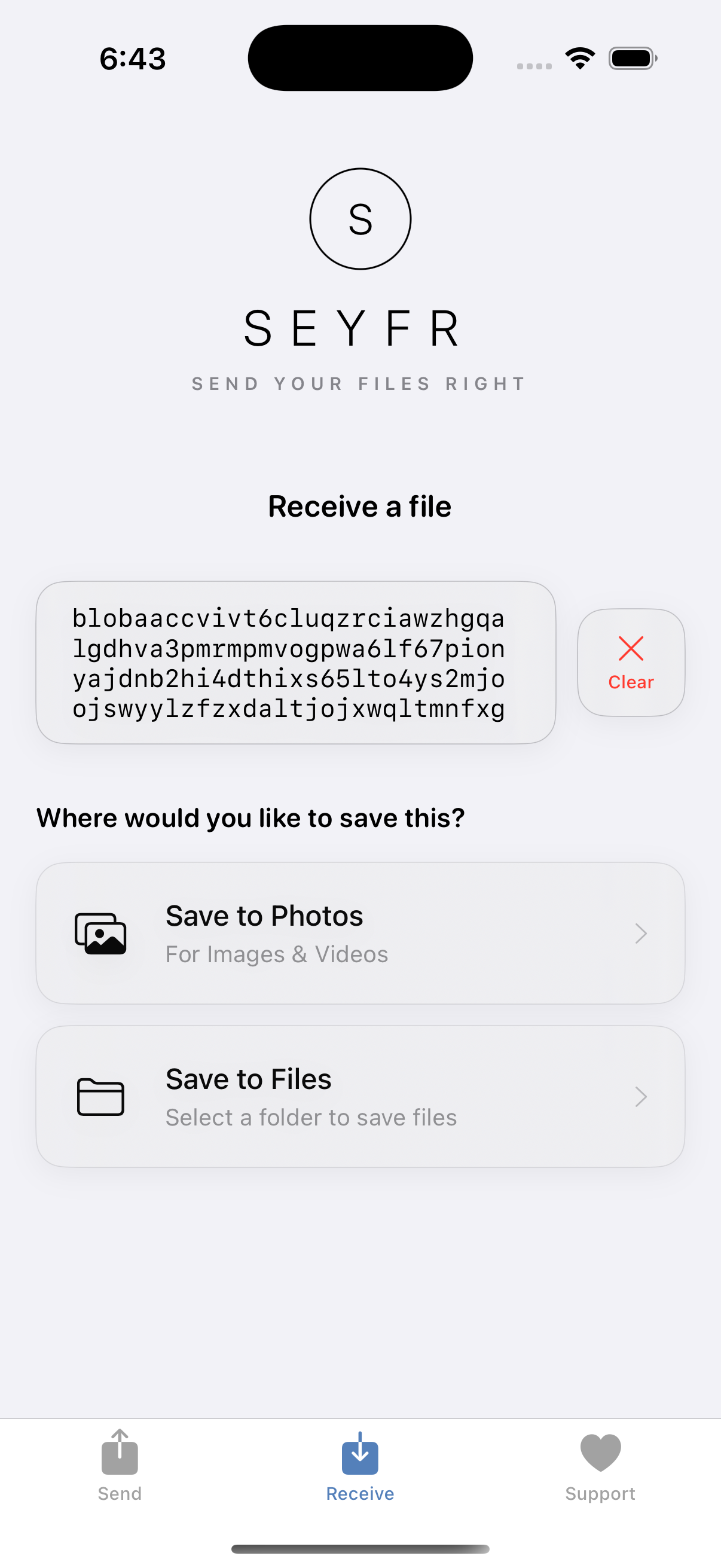
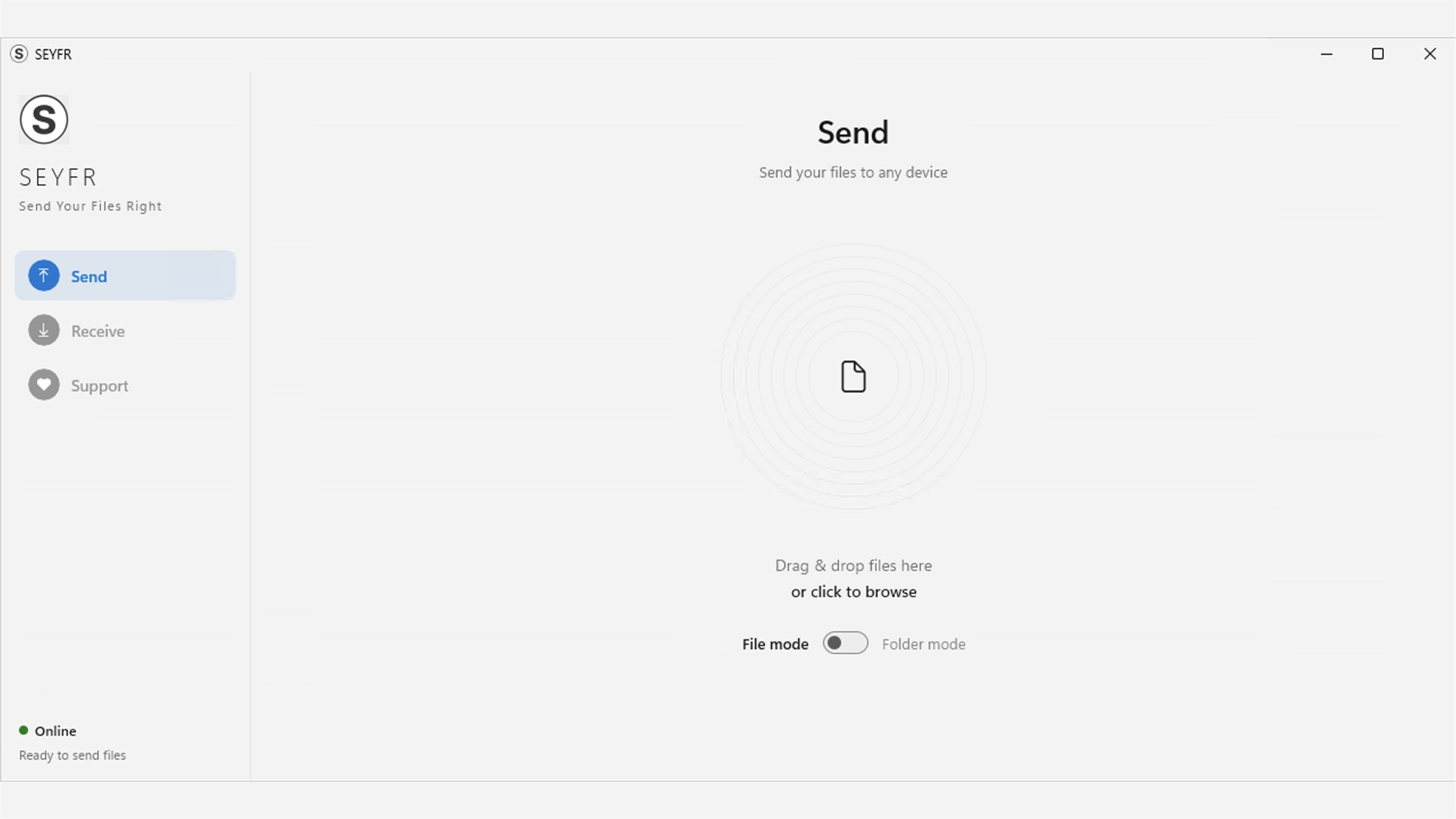
SEYFR Send screen running on Windows SEYFR Receive screen running on iPhone
1 · Sent from Windows
2 · Received on iPhone
Windows PC → iPhone · recorded live
📷 Photos 🎬 4K Videos 📁 Folders 📄 PDFs & Documents 🗄️ ZIP Archives 🎵 Audio Files 🖼️ RAW & PSD 💾 Large Installers 🎮 Game Files 💻 Source Code 📊 Spreadsheets 🎞️ Raw Footage

Early website visits came from many countries
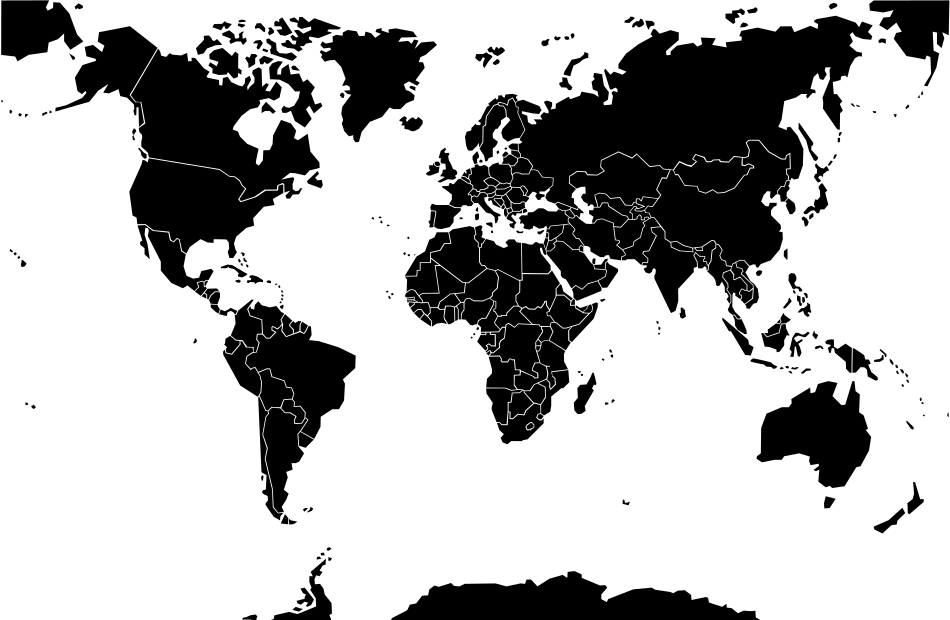
World Map
🇺🇸 25
🇨🇦 1
🇧🇷 2
🇻🇮 2
🇬🇧 5
🇫🇷 4
🇩🇪 2
🇧🇪 1
🇸🇪 1
🇳🇱 1
🇺🇬 7
🇰🇪 1
🇳🇬 1
🇮🇳 1
🇨🇳 2
🇦🇺 1

These country counts came from website analytics during SEYFR's early launch period. They show where site visits originated; they do not prove an app install, completed transfer, or active user in each country.

Store consoles are our source for installs, and direct tests or feedback are our source for completed-transfer evidence. If you tried SEYFR, tell us what worked and what did not.

Store reports reviewed for v1.6.2 showed no reported crashes in that reporting period. If you have an older version, update first and contact us if the problem continues.

Recorded transfer test

Send files nearby—or across the world.

In this recorded test, a photo was successfully transferred from an iPhone in Uganda to an iPhone in the United States. The phones were on different networks, with no SEYFR accounts or USB cable.
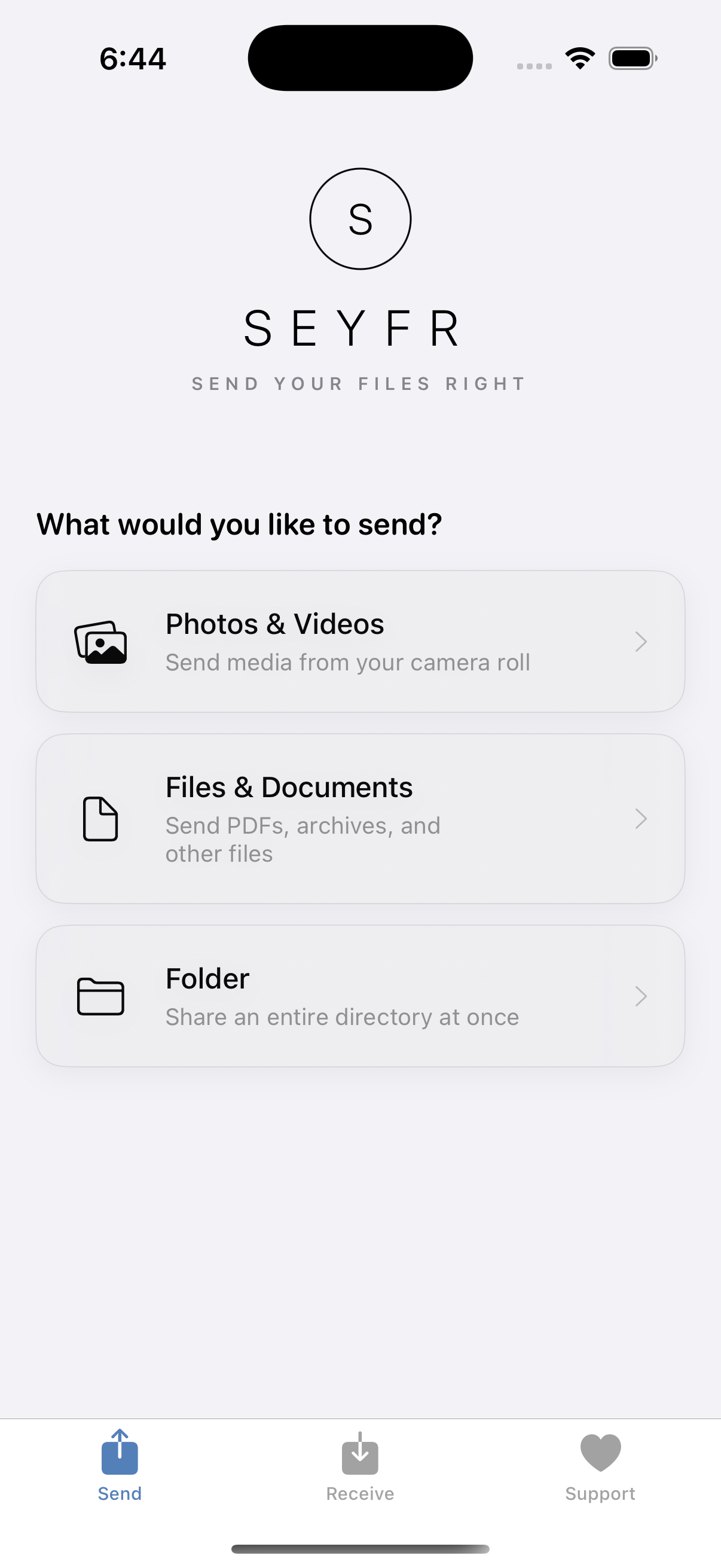
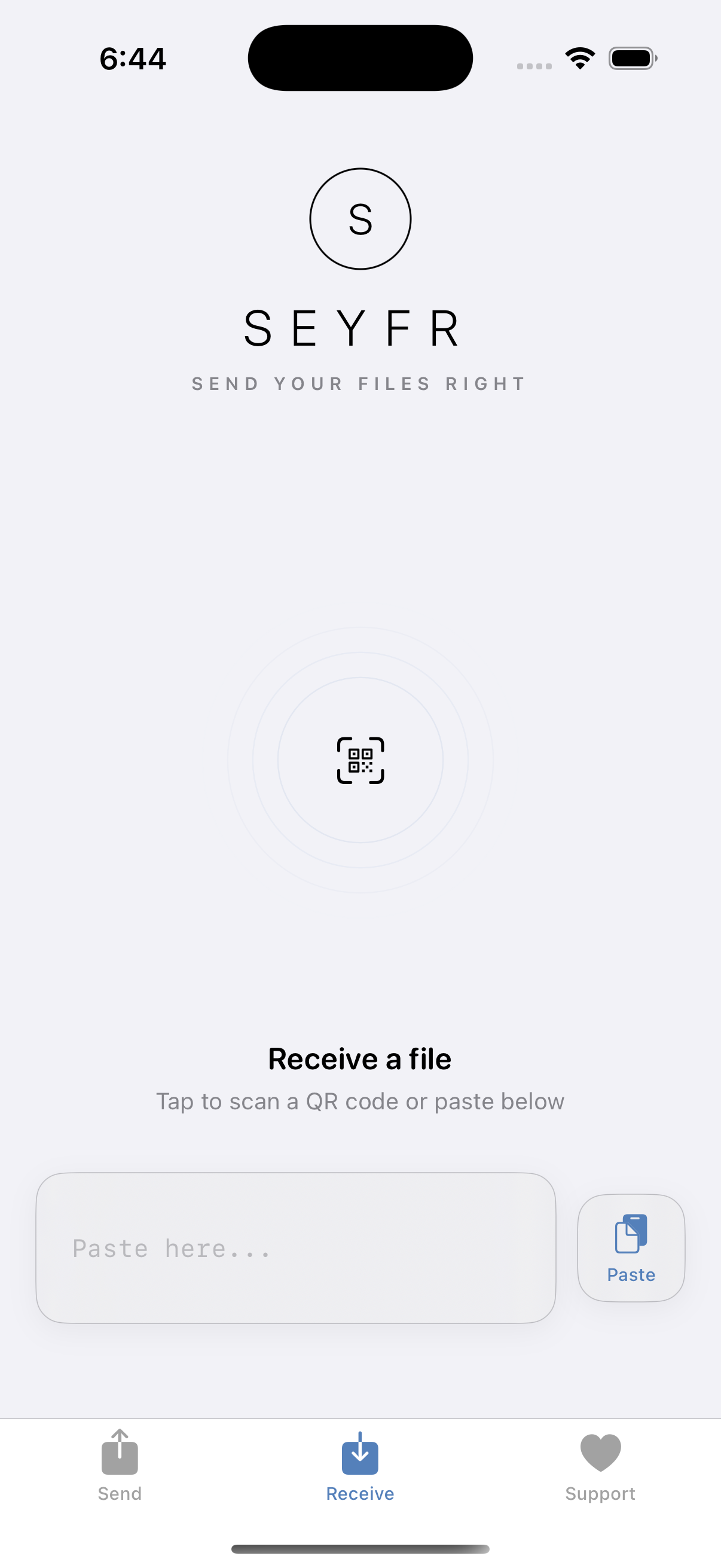
SEYFR iPhone screen for choosing photos, videos, files or folders to send SEYFR iPhone screen ready to scan or paste a transfer ticket
1 · Sent from Uganda
2 · Received in the United States
iPhone → iPhone · recorded live
Get SEYFR for your devices

Send from one device. Receive on another.
Available for supported Windows, macOS, Linux, Android, iPhone, and iPad devices.
1. Choose What to Send
Pick photos, videos, documents, other files, or a non-empty folder.
2. Share the Transfer Ticket
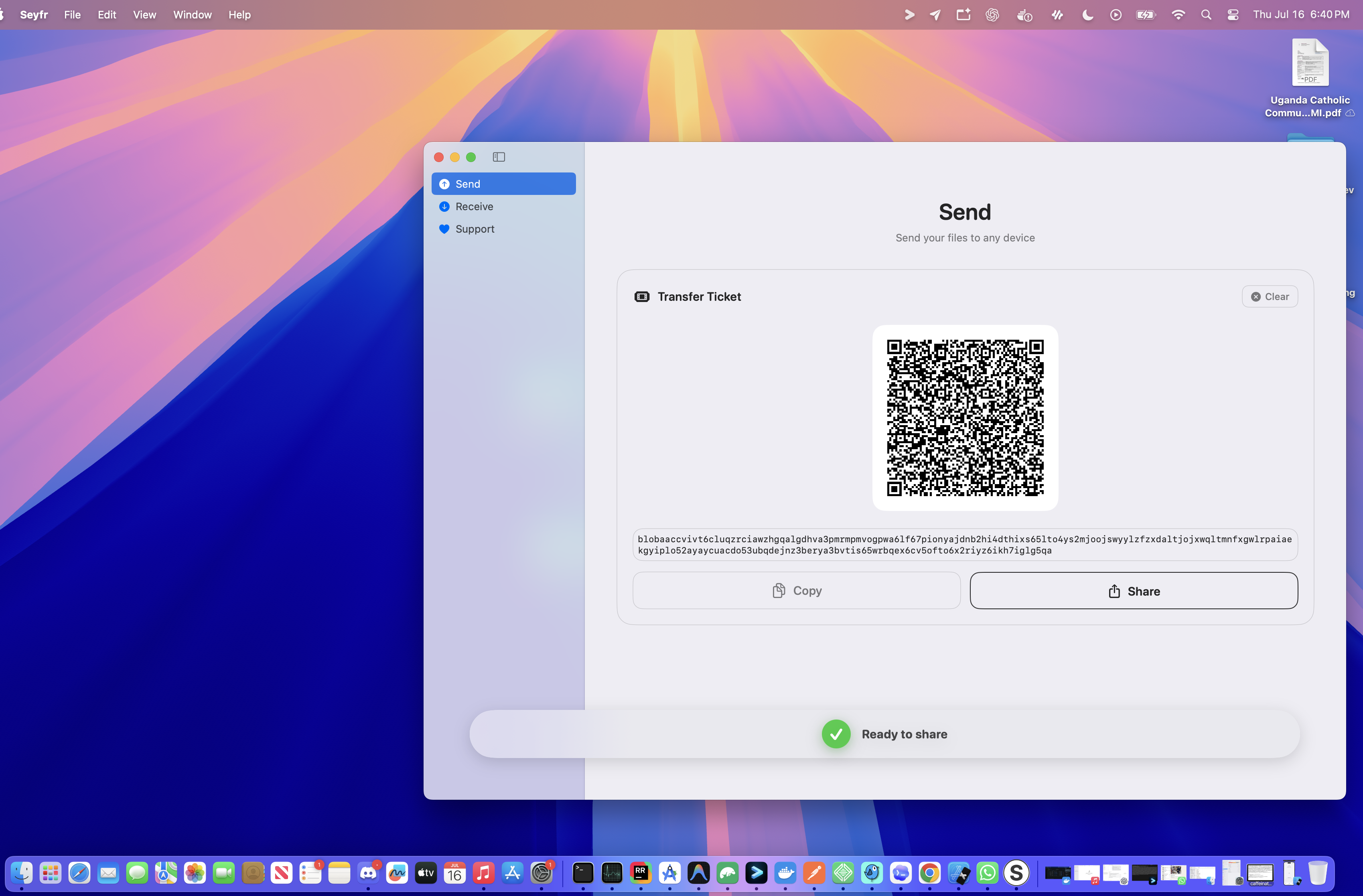
SEYFR shows a QR code and a text ticket. The ticket helps the other device find the selected content; it does not contain the file itself.
3. Receive and Save
Scan the QR code or paste the ticket on the other device, then choose where to save the file. SEYFR verifies the received bytes before saving them.
Seyfr macOS app generating a file transfer ticket with QR code and token
Seyfr iOS app showing save options for received files

Get Phone Footage onto Your Computer

Move the original photos and videos you shot on your phone to the computer where you edit—without squeezing them into an email or lowering their quality.

Share Family Photos at Full Quality

Send a whole album to another phone or computer. No account to create, no shared cloud folder to manage, and no blurry copies.

Move the Whole Project

Send the folder instead of uploading files one at a time. Handy for schoolwork, client work, team handoffs and anything too large for an attachment.

Less hassle between your devices.

Your phone and computer should work together, even when they come from different companies.

Your Phone and Computer Do Not Match

Use Android with a Mac, iPhone with Windows, or another mixed setup. SEYFR works across the devices you already own.

The File Is Too Large to Email

Send the video, photo collection or project folder without breaking it into pieces or turning it into a cloud-storage link.

You Cannot Find the Right Cable

Move files without searching for a cable that fits, changing USB settings or wondering why your phone is only charging.

You Want the Original File

Keep the photo or video you made. SEYFR does not intentionally shrink, compress or re-encode it during the transfer.

Frequently Asked Questions

No—not to a JITPOMI cloud drive. SEYFR makes the file available from the sender's device and saves it on the receiver's device. It transfers directly when possible. If a relay must forward the encrypted transfer, it cannot read the file and does not store it. Read the SEYFR Privacy Policy.

No. You can send nearby or across the internet—for example, from a home computer to a phone using cellular data in another country. SEYFR finds a direct path when possible. If the networks block one, an end-to-end encrypted relay forwards the transfer instead. No router setup is required. See how SEYFR connects devices.

Yes. Your file is encrypted from the sending device to the receiving device, including when the transfer needs a relay. SEYFR checks that the file arrives unchanged. Share the QR code or transfer ticket only with the person who should receive the file. See the security details.

You choose what SEYFR handles. On the sending device, select the file or folder you want to share. On the receiving device, choose where to save it. SEYFR also checks every received folder path and rejects any path that tries to escape the destination you selected. Your operating system's file permissions still apply. See how the destination lock works.

No. Neither person needs a SEYFR account, email signup, phone number, or password. Both people need a compatible SEYFR app: one person selects the file, and the other scans or pastes the transfer ticket. Get SEYFR for your devices.

SEYFR does not set a fixed transfer-size cap. The practical limit comes from available storage, device and operating-system limits, and whether the connection stays available. Speed depends on both devices and their networks. See how to send a large video.

No. SEYFR sends the file you selected without resizing it, compressing it, or changing its format. The receiver gets the same photo or video quality. See how to transfer photos without cloud storage.

SEYFR is free to use today with no file-size limits or ad walls. If you find SEYFR useful, please consider making a donation to support our development. To ensure fast, reliable connections across all networks, we plan to soon scale the service by purchasing a dedicated, private Iroh relay server. To support these ongoing relay and infrastructure hosting costs, we plan to introduce paid premium features in a future version (Version 3). Basic P2P transfers will always remain as accessible as possible.

Use SEYFR when you want to move the original file, not add it to a conversation. Some messaging apps compress photos or videos, limit file sizes, or keep a copy in chat history. SEYFR keeps the file's original format and quality, requires no account, and does not upload it to a JITPOMI cloud drive. Get SEYFR for your devices.

Download SEYFR.

Simple file sharing across your devices.

Download SEYFR


Apple

Windows

Android

★★★★★

Love SEYFR? Leave a Review!

Your feedback means the world to us. It helps us improve the app and helps others discover secure, private file transfers without the cloud.

Google Play App Store (iOS) Mac App Store Microsoft Store

Know someone who struggles to send large files?

Transfer Guides

Step-by-step help for supported platform combinations

Android File Transfer Not Working?
5 fixes + a wireless alternative without a USB-driver dependency
Android to Mac — Wireless Transfer
Photos, videos, folders — no USB, no Android File Transfer
iPhone to Windows PC — No iTunes
Transfer photos and videos wirelessly, full quality
Snapdrop / PairDrop Alternative
Works across different networks — not just same Wi-Fi
Send Anywhere Alternative
free to use today — no subscription, no ads
Send Large Video Files
No fixed SEYFR app cap; device and platform limits apply
iPhone to Mac — Wireless Transfer
No USB, no iTunes, no iCloud — supported Macs
Free MacDroid Alternative
MacDroid costs $19.99/yr — Seyfr is free
Transfer Photos Without iCloud
New iPhone? Move photos without paying for storage
Android to Linux — No MTP Needed
Works on Ubuntu, Fedora, Arch, all distros
SHAREit / Xender Alternative
Same fast Wi-Fi — no ads, see our Privacy Policy
Android to Windows PC — No USB
Iroh chooses the best available network path
Transfer Photos from Android to Mac
All formats — JPEG, RAW, HEIC, 50MP — at full resolution
Free AnyTrans Alternative
AnyTrans is $39.99/yr — Seyfr does it free, wirelessly
Gmail Attachment Size Limit
25MB email limit? Send large files without attaching them to email
AirDrop Alternative for Android
Android to Mac, iPhone, Windows — no Apple hardware needed